Converter (beta)
Convert audio to MIDI
Only have the WAV or MP3? MidiKino separates the drums, the bass and the other instruments, writes down their notes and finds the tempo, then gives you a multi-track MIDI file. Before anything is sent, it checks your audio and tells you what it can recover.
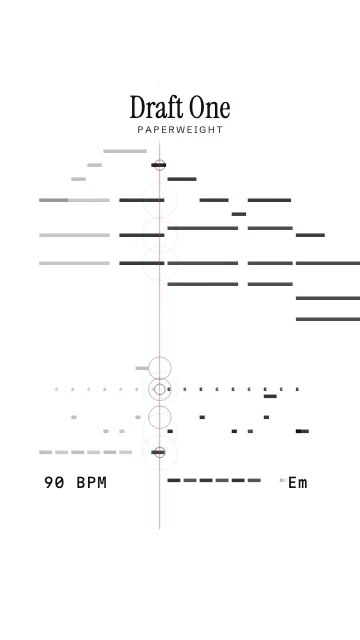
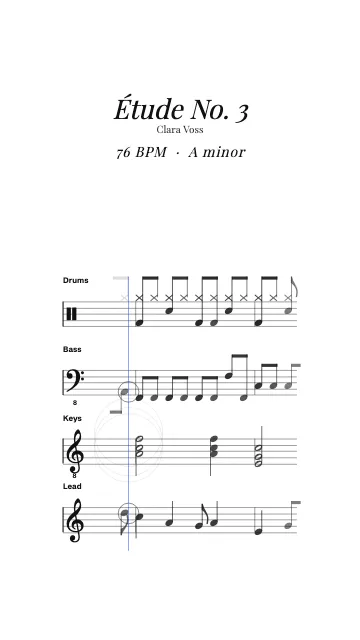
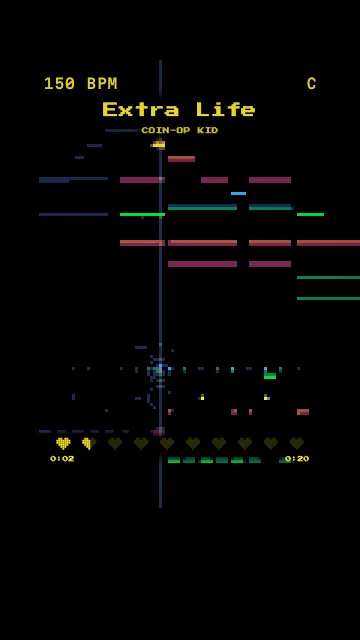
How to convert an audio file to MIDI
- 1
Drop your audio
Drop your beat or your track, then choose MIDI animation. In about a second, MidiKino checks it in your browser and says what can be recovered: drums, bass, melody, chords.
- 2
Convert
Click Convert to MIDI (a free account is needed). The audio is sent for the conversion only, separated into instruments and transcribed: about 10 to 20 seconds for a 20 second loop, a few minutes for a whole track.
- 3
Use or download the MIDI
The MIDI tracks (Drums, Bass, Lead, Chords, Vocals) are loaded with your audio in the studio, ready for the MIDI styles. You can also download the .mid file.
What converts well, and what doesn't
Automatic transcription is never perfect. MidiKino says so before you start, with a verdict per part:
- Reliable on clean, steady-beat material: kick and hi-hat, bass line, lead melody, the chord of each bar
- Approximate: snare, the exact notes inside dense chords and pads, noisy or very reverberant recordings, some synth timbres
- Not possible: speech, noise, sound effects. MidiKino refuses them upfront instead of producing junk
Privacy
Your audio is sent only for the conversion and deleted as soon as it ends, whether it works or not. The resulting MIDI is kept 24 hours so you can retrieve it. Everything else in MidiKino runs in your browser.
Limits
Free account: 3 conversions a month, the first 60 seconds of audio. Premium: 30 a day, whole tracks up to 5 minutes. A conversion that fails doesn't count.
Questions
Can you convert an MP3 to MIDI?
Yes. MidiKino converts MP3, WAV, AIFF, FLAC, OGG and M4A to a multi-track MIDI file, with the drums, bass and other instruments on separate tracks and the tempo set.
Is the audio to MIDI conversion accurate?
On clean beats and tracks with a steady tempo, the bass, lead melody, kick, hi-hat and chord changes come out well. Dense mixes, live recordings and some synths are approximate. MidiKino checks your file first and tells you what to expect.
Does it separate the instruments?
Yes: the audio is first separated into drums, bass, vocals and other instruments, then each part is transcribed to its own MIDI track.
Is it free?
With a free account: 3 conversions a month of up to 60 seconds. Premium: 30 a day, whole tracks up to 5 minutes.
What happens to my audio?
It is sent only for the conversion, deleted as soon as it ends, and never shared. The MIDI is kept 24 hours.
More with MidiKino
Ready? Drop your beat or your track and see it move in seconds.
Create my video