Audio to visualization
Turn your audio into a visualization video
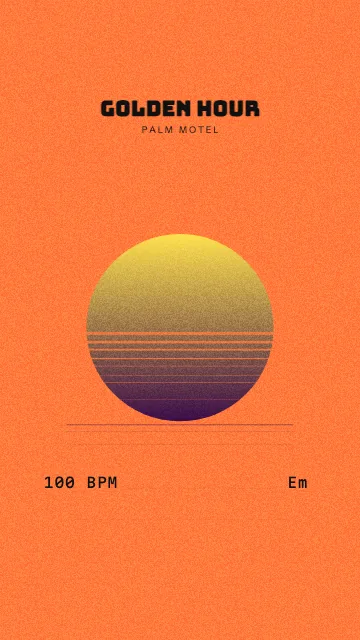
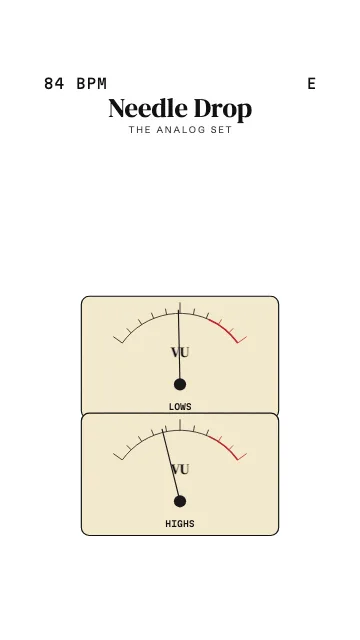
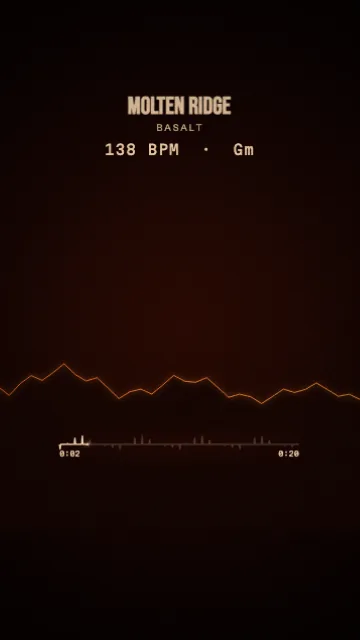
Drop a WAV or MP3 of your beat, loop or whole track: MidiKino analyses the sound and animates a visual that reacts to it, from spectrum bars and waveforms to vintage VU meters and 3D landscapes. Export a looping MP4 for Reels, TikTok and Shorts.
How to make an audio visualizer video
- 1
Drop your audio
Open MidiKino and drop your beat, loop or track, up to 5 minutes: WAV, MP3, AIFF, FLAC, OGG or M4A. The tempo and key are detected, then choose Sound.
- 2
Pick a visual
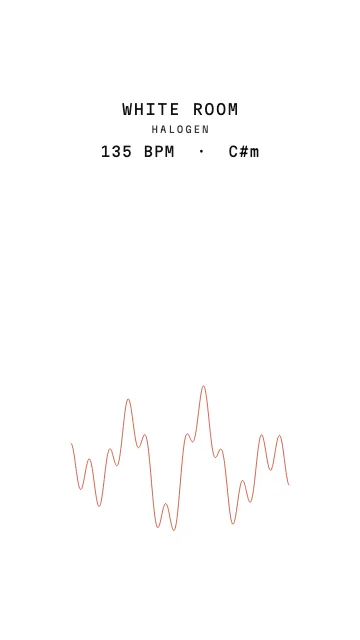
Bars, mirror, LED, line, curve, mountains, oscilloscope, circular spectrums, VU meters or 3D sphere and towers. Set the colors, sensitivity and background, add your title and logo.
- 3
Choose the part to show
Select up to 60 seconds on the waveform, the chorus or the drop: MidiKino snaps the start and end to the bars so the video repeats without a jump.
- 4
Export
Export a 1080p MP4 in 9:16 for TikTok, Reels and Shorts, or 4:5, 1:1 and 16:9.
Visuals that react to your sound
MidiKino splits the sound into frequency bands, from the bass to the highs, and drives the visual with them: the kick pushes the bars, the hi-hats make the sparkles, the bass swells the 3D terrain. No timeline to edit, the motion comes from the music.

Want the notes too?
An audio file doesn't contain notes, only sound. If you'd like a piano roll or sheet music from your audio, use the audio to MIDI conversion: MidiKino separates the drums, bass and other instruments and writes down their notes, then all the MIDI styles work.
Free to start
You can try the studio without an account. To export, a free account exports 1 video a day with a small MidiKino logo; Premium (€9.99 a month, €99.99 a year, or €199.99 once for Lifetime at the launch price) removes it and unlocks every style, 60 fps and bulk export.
Questions
What is an audio visualizer?
An audio visualizer is an animation driven by sound: bars, waves or shapes that move with the volume of each frequency. MidiKino makes audio visualizer videos for social media, as looping MP4 files.
Which audio formats work?
WAV, MP3, AIFF, FLAC, OGG and M4A, up to 5 minutes: a beat, a loop or a finished track. You choose the part shown in the video.
How do I make a music visualizer for Instagram Reels or TikTok?
Drop your audio in MidiKino, pick a visual, keep the 9:16 format and export: the MP4 is 1080 × 1920, ready to post on Reels, TikTok and Shorts.
Does the visual loop?
Yes. MidiKino detects the tempo and loops on whole bars, so the end of the video joins its start.
Is my audio uploaded?
No: the visualizer runs in your browser and your audio stays on your device. Only an audio file you choose to convert to MIDI is sent, and deleted right after.
More with MidiKino
Ready? Drop your beat or your track and see it move in seconds.
Create my video