MIDI visualizer
Turn a MIDI file into a video
MidiKino reads your MIDI file and draws every note exactly when it plays, in sync with the audio of your beat, loop or track. Pick a look among more than 100 visual styles and export an MP4 that loops seamlessly, ready for Reels, TikTok and Shorts.
How to make a video from a MIDI file
- 1
Export your music
In your DAW (Ableton Live, FL Studio, Logic Pro, Cubase, Reaper…), export the audio (WAV or MP3) of your beat, loop or track, up to 5 minutes, and its MIDI over the same bars, from the same start.
- 2
Drop both files
Open MidiKino and drop the audio, check the title, BPM and key, then choose MIDI animation and drop the MIDI file. Tracks, tempo and key are read from the MIDI.
- 3
Pick a style
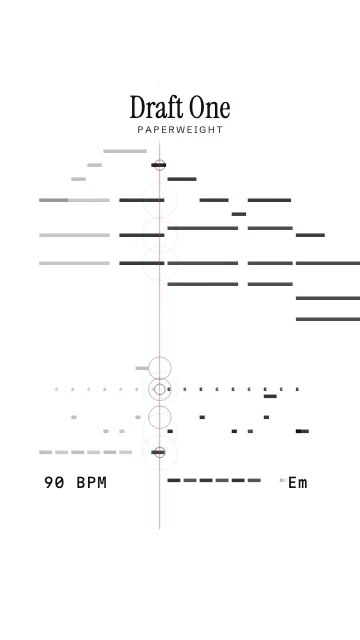
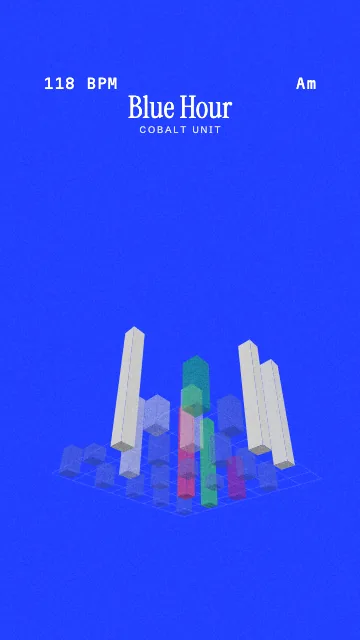
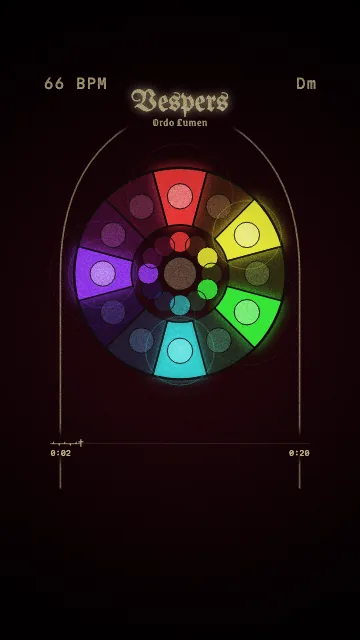
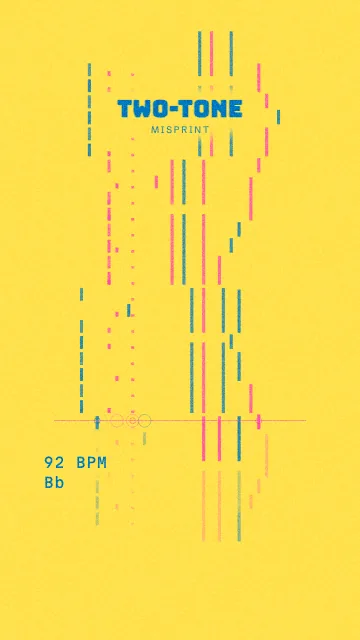
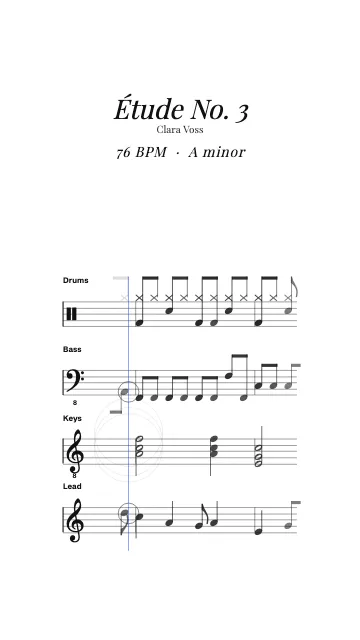
Piano roll, falling notes, sheet music, drum pads, 3D tunnel or city… Change the colors, background, title and logo, and color each track your way.
- 4
Export the MP4
Choose 9:16 for Reels, TikTok and Shorts (or 4:5, 1:1, 16:9) pick the part to show (up to 60 seconds) and export in 1080p. The end joins the start: the video plays on and on.
Why MIDI makes the best music visuals
An audio file only says how loud each frequency is. A MIDI file says which note, when, how long and on which instrument. That is what lets MidiKino draw a real piano roll, light the right key, give each track its own color or write the score, instead of a generic animation that just pulses with the volume.
Styles made for MIDI
More than 100 looks, from clean to spectacular:
- Scrolling: piano roll, falling notes, pills, sheet music, letters
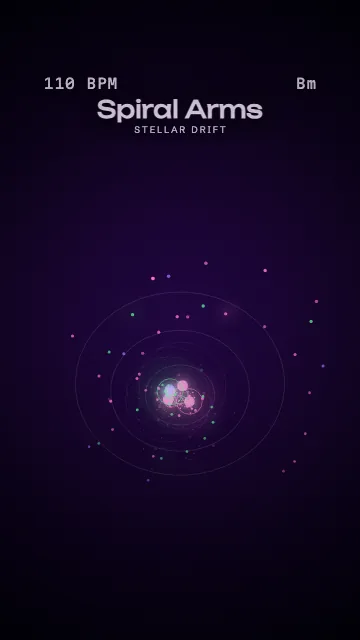
- Shapes: bubbles, vinyl, constellation, clock, spiral, drum pads
- 3D: highway, tunnel, blocks, terrain, orbit, helix, warp
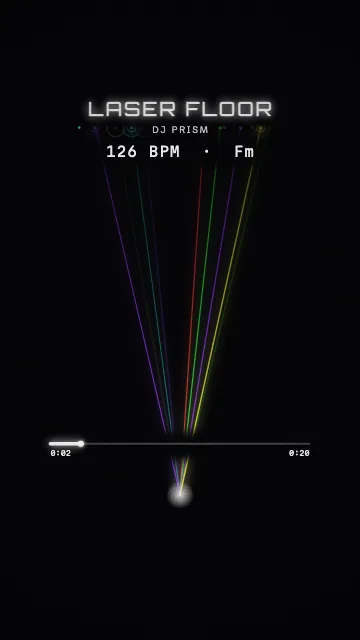
- Scenes: organ, stained glass, city, lasers
Free to start
You can try the studio without an account. To export, a free account exports 1 video a day with a small MidiKino logo; Premium (€9.99 a month, €99.99 a year, or €199.99 once for Lifetime at the launch price) removes it and unlocks every style, 60 fps and bulk export.
Questions
What is a MIDI visualizer?
A MIDI visualizer turns the notes of a MIDI file into moving images: a piano roll, falling notes, a score or shapes that react to each note. MidiKino is a MIDI visualizer made for beatmakers and producers: it exports a short looping MP4 with your audio, from a loop or a whole track.
Do I need the audio as well as the MIDI?
Yes: the MIDI says what to draw, the audio is what people hear. Export both from your DAW over the same bars. If you only have the audio, MidiKino can extract the notes for you (beta), or use an audio visualizer style.
Which DAWs work?
Any DAW that exports MIDI and audio: Ableton Live, FL Studio, Logic Pro, GarageBand, Cubase, Studio One, Reaper, Bitwig. Multi-track MIDI files keep their tracks.
Can I make a piano roll video for TikTok?
Yes. Pick the Piano roll style, keep the 9:16 format and export: the MP4 is 1080 × 1920, the size TikTok, Instagram Reels and YouTube Shorts expect.
Is my music uploaded?
No. The video is made in your browser and your MIDI and audio files stay on your device.
More with MidiKino
Ready? Drop your beat or your track and see it move in seconds.
Create my video